If you’re a business owner, you already know how your day gets eaten up by small, repetitive tasks – like emails, follow-ups, content creation, customer support, and accounting… THAT never ends.
But here’s the truth: in 2026, the smartest businesses are the ones that use AI to automate almost everything.
And the best part? You don’t need to be a tech expert to do it.
That’s exactly why I created this guide.
I’ve researched extensively and handpicked the 15 best AI tools for business owners that can significantly reduce your workload. Tools that can automate your content, emails, customer support, marketing, meetings, finances, and much more.
AND, your job? Focus on growing your business.
Let AI handle the busy work.
Ready to explore?
Let’s dive in.
Read also,
What to Look for in an AI Tool (Before You Choose One)
Picking an AI tool isn’t about choosing the most popular option; it’s about finding something that actually fits the way your business works.
Here’s the exact things you should check before you commit:
- Real Workload Reduction: Don’t fall for tools that only “assist.” Look for features that fully automate your tasks; auto-reply to customer messages, generate weekly reports without your intervention, draft emails on its own, schedule content automatically, or update your CRM without manual input.
- Direct Integrations With Your Existing Stack: The tool should connect with the apps you already rely on. Apps like Google Workspace, QuickBooks, Shopify, Slack, Trello, HubSpot, or whatever runs your daily operations should be connected to the AI tools. If it needs complicated workarounds, skip it.
- Clear, Action-Ready Interface: Avoid tools that require long tutorials. You should be able to create your first automation, campaign, or workflow within minutes. If it feels confusing on day 1, it’ll stay confusing.
- Transparent Pricing as You Scale: Check how the cost changes when your team grows, your contacts increase, or your usage goes up. Many tools look cheap upfront but become expensive once you start using them seriously.
- Strong Data Protection: The tool should clearly state where your data is stored, how it’s encrypted, and whether it meets industry standards like SOC 2 or GDPR.
A solid AI tool should remove effort; not create more of it.
So, check all the above conditions are met, then go for the AI tools.
15 Best AI Tools for Business Owners
Before we jump into the list, here’s one thing to keep in mind: you don’t need all 15 tools to run an efficient business.
Even if you pick 2 or 3 from this list, they can free up hours of your time every week.
Each tool here serves a different purpose; some handle content, some automate workflows, some manage customer conversations, and some take care of finance or marketing tasks.
I’ve included tools that actually reduce your workload, not just add another app to your dashboard.
These are the tools business owners rely on daily to run smoother operations, close more deals, and keep everything organized without constant manual effort.
But without a good prompt, no AI tool can give you better results. So, don’t forget to check out my articles on,
Now, let’s break down the best AI tools you can start using in 2026 to automate your business from top to bottom.
1. ChatGPT – For Content, Emails & Customer Support
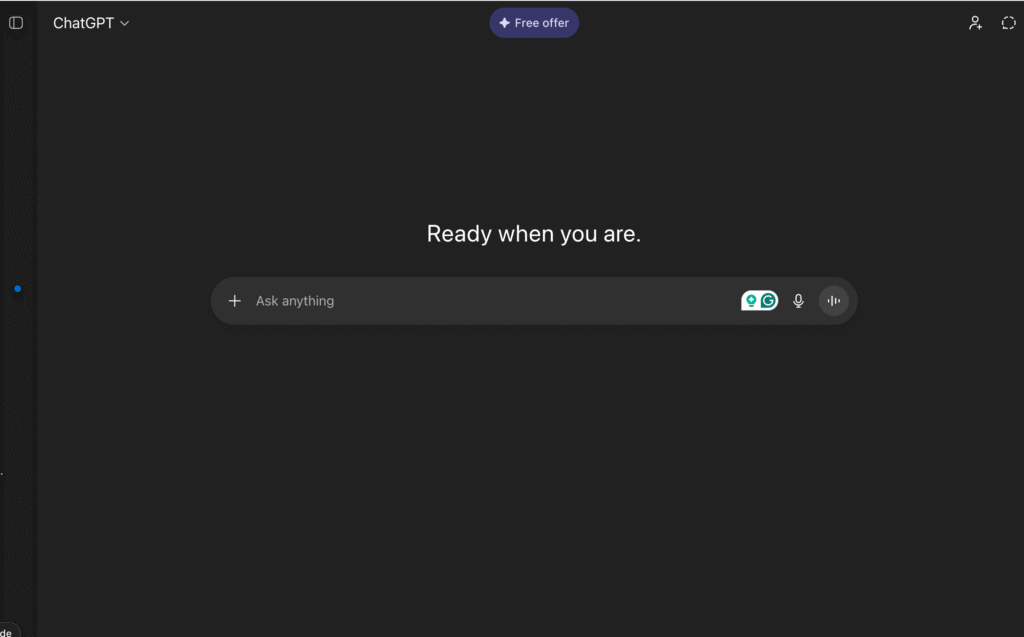
ChatGPT is easily one of the most useful AI tools a business owner can have in their daily workflow.
Instead of spending hours writing emails, drafting content, or answering repetitive customer questions, you can handle most of that work over to ChatGPT.
You can use it to write blog posts, product descriptions, ad copy, newsletters, scripts, proposals, and even internal documents like SOPs.
If you constantly deal with inbox overload, ChatGPT can draft replies, summarize long conversations, and help you maintain a consistent tone across your communication.
For customer support, it can create ready-to-use responses, troubleshoot guides, and even power automated chat widgets that answer common questions 24/7, so your customers get faster replies without you constantly checking messages.
It’s also great for planning marketing calendars, video scripts, email flows, content ideas, and project outlines.
And because it learns from your prompts and writing style, the output gets better with time. I actually use it for most of my repetitive tasks and it gives me accurate results.
If you want an AI tool that can instantly lighten your workload and help you stay on top of communication and content, ChatGPT is usually the first tool worth adding to your stack.
AND, it’s my recommendation.
2. Zapier – For Business Workflow Automation
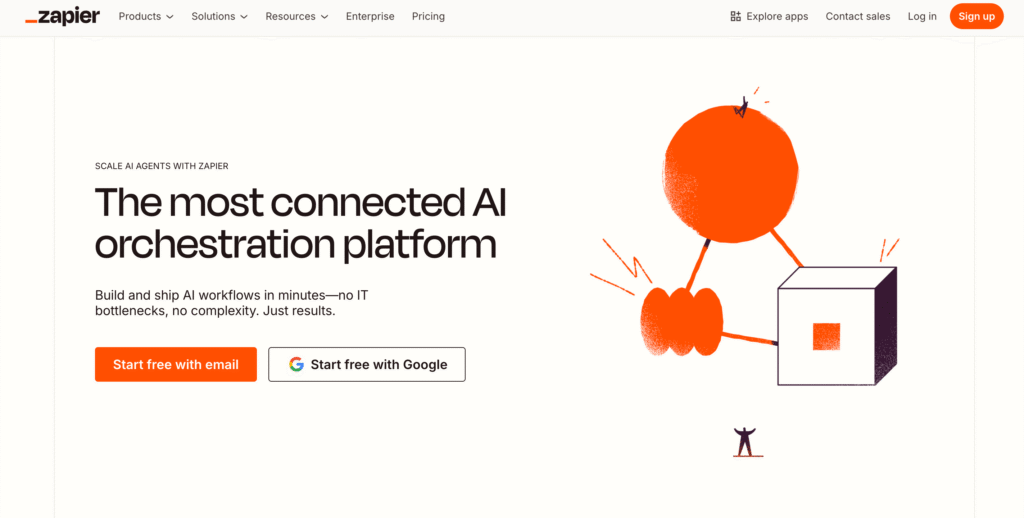
Zapier is the backbone of automation for thousands of businesses for some good reasons.
It connects the apps you already use, like Gmail, Google Sheets, Slack, Shopify, Notion, HubSpot, and hundreds more, and makes them work together automatically.
Instead of manually moving data from one platform to another, Zapier handles it in the background. For example, you can create automations like:
- New leads automatically added to your CRM
- Payment confirmations are instantly sent to your team
- Customer messages are forwarded to the right person
- Social posts scheduled without you lifting a finger
- Form submissions are logged into Google Sheets in real time
So, what’s the real benefit?
You eliminate repetitive tasks that quietly eat up hours every week.
Zapier’s no-code setup means you don’t need technical knowledge to build workflows.
You simply need to pick a trigger (“when this happens…”) and an action (“do this next”), and Zapier runs that process for you.
If you want a tool that removes manual busywork and creates a smoother, faster business system, Zapier is one of the most reliable automation tools you can add to your workflow.
3. Notion AI – For Docs, Knowledge Base & Task Automation
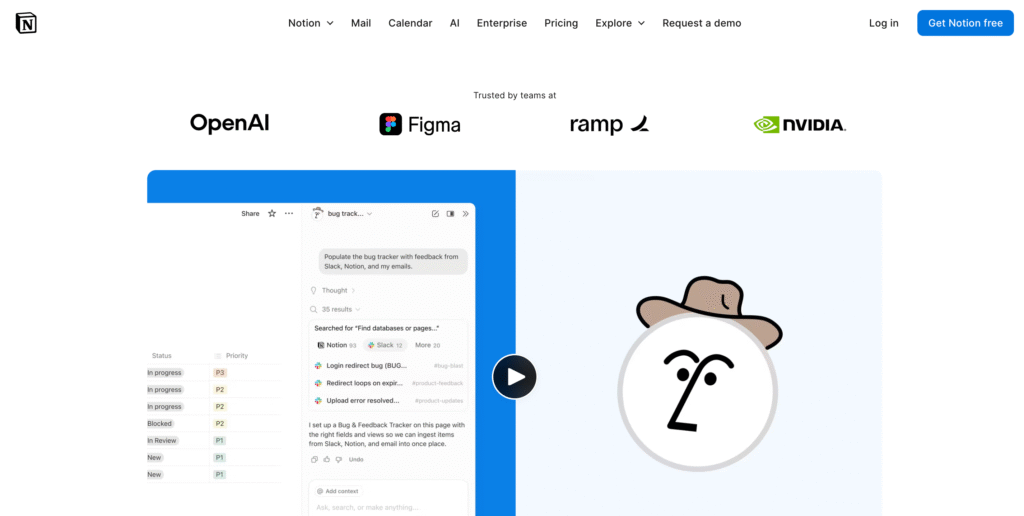
Notion AI is the perfect tool if you want all your business information, notes, projects, and systems in one place, without spending hours organizing everything manually.
It turns Notion from a simple workspace into a smart assistant that can write, summarize, clean up, and structure your entire knowledge base.
You can use it to instantly generate project plans, rewrite messy notes, turn meeting summaries into action items, and organize your documents in a clear format.
If you run a team, Notion AI makes it easy to create SOPs, onboarding docs, client deliverables, and internal workflows that everyone can follow.
One of its strongest features is automatic task handling.
It can break down goals into steps, draft timelines, prioritize tasks, and even predict what you should work on next.
If your workspace feels scattered or you juggle too many tools, Notion AI helps you streamline everything into a single system.
That’s the power of this AI tool.
For business owners who need a reliable place to store information, manage projects, and automate documentation, Notion AI is one of the most efficient all-in-one tools you can add to your workflow.
Note: Some similar tasks can be handled by both Notion AI and ChatGPT, like creating SOPs. So, if yo only need these types of tasks, then you can go for ChatGPT.
4. ClickUp AI – For Project Management & Team Automation
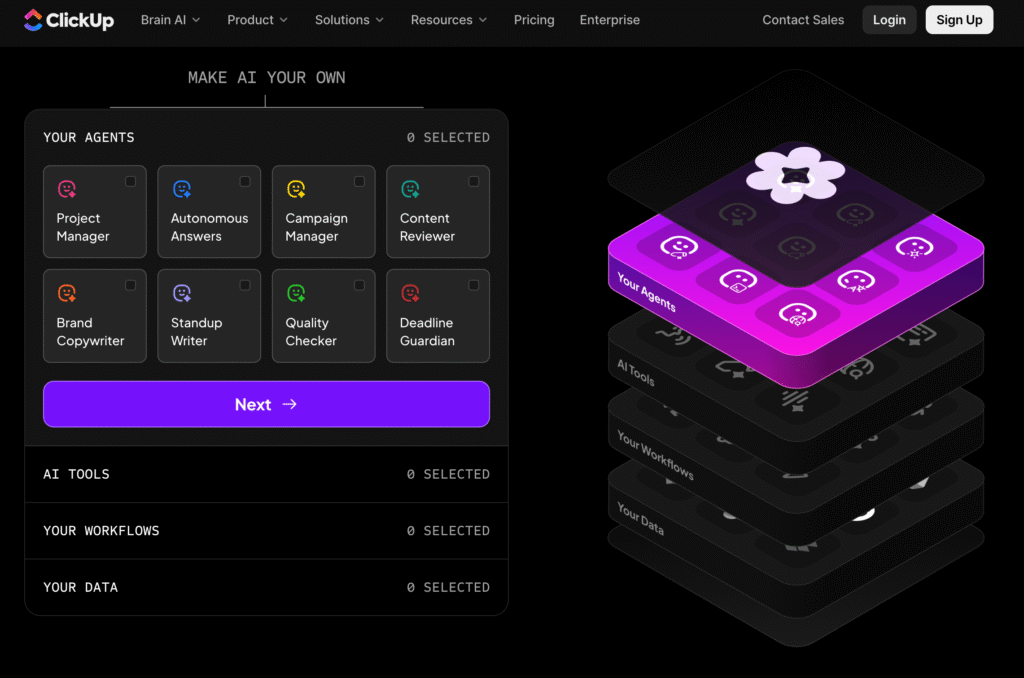
ClickUp AI is built for business owners who want their projects, tasks, and team workflows to run smoothly without constant follow-up.
Do you?
Well, if you feel like you spend half your day assigning tasks, checking progress, or reminding people what to do next, ClickUp AI removes that pressure.
It can turn long meeting notes into actionable tasks, generate project timelines automatically, and break big goals into clear step-by-step plans.
Instead of manually creating task lists, ClickUp AI can build them for you in seconds, complete with priorities, deadlines, and dependencies.
For teams, it acts like a productivity engine.
It can write status updates, summarize conversations inside tasks, and help everyone stay aligned without endless back-and-forth messages. If you manage clients, ClickUp AI can also prepare reports, draft proposals, and generate project briefs based on your existing data.
What makes it powerful is how deeply it integrates into your workflow.
No matter whether you’re running a digital agency, a startup, a coaching business, or a service-based brand, ClickUp AI keeps your operations organized and your team moving without micromanagement.
If you want one place to plan, track, automate, and scale your entire workflow, ClickUp AI is one of the strongest project management tools you can pick.
5. Surfer AI – For SEO Content Writing
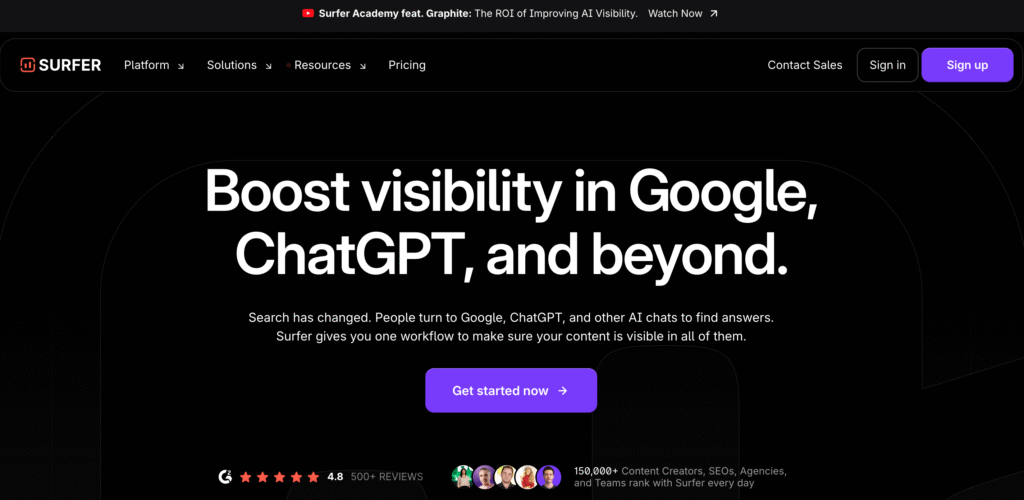
As a blogger, I have worked a lot in Surefer AI.
It is a powerful tool for business owners who want their content to rank on Google without hiring a full content team.
Instead of guessing what keywords to use or how long your article should be, Surfer AI studies real-time search data and creates SEO-optimized content automatically.
You can enter a topic, and Surfer AI will generate a full article that includes the right keywords, structure, headings, and word count based on what’s already ranking.
It’s like having an SEO strategist and a writer working together behind the scenes.
The tool also gives content scores that show exactly what’s missing; maybe you need more sections, stronger keywords, or better internal links.
This helps you publish content that’s both high quality and search-friendly.
For business owners who rely on organic traffic, whether you run a blog, an agency, an e-commerce store, or a local business, Surfer AI saves hours of research, writing, and optimization.
If your goal is to produce content that actually brings visitors and leads instead of just “looking good,” Surfer AI is one of the most effective tools you can use in 2026.
6. Jasper AI – For Branding & Marketing Content
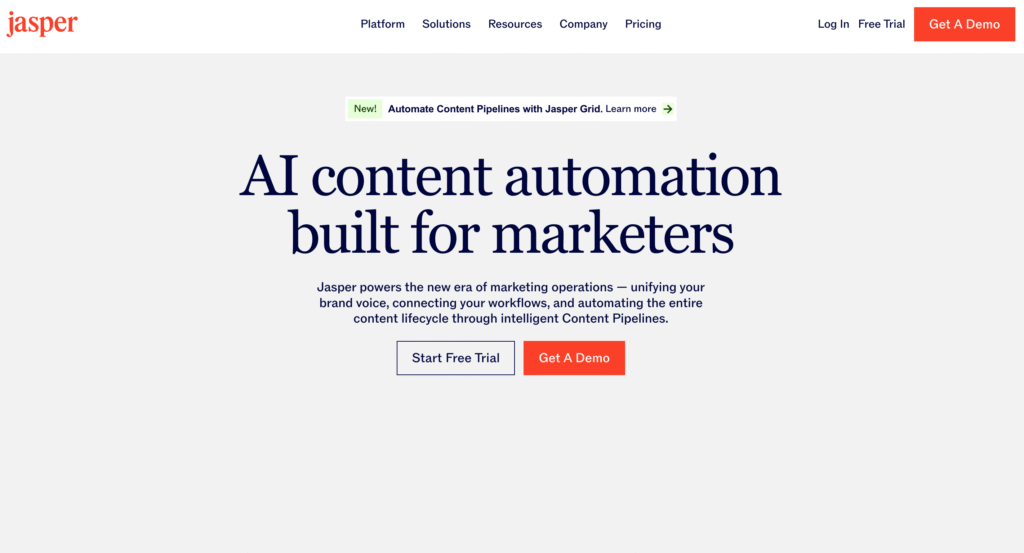
Jasper AI has been my first content writing tool since 2021. It’s built specifically for business owners who want consistent, on-brand marketing content without spending hours writing.
Unlike general AI writers, Jasper focuses heavily on your brand voice, so everything it creates, ads, social posts, emails, and landing pages, all sound like they came directly from your company, not a template.
That’s the beauty of Jasper AI.
You can feed Jasper examples of your tone, messaging style, and audience, and it will match that voice across all your content.
This is especially helpful if you’re running a business where consistency matters like agencies, product brands, coaches, ecommerce stores, or startups.
Jasper also comes with ready-made workflows for marketing tasks.
Need a sales email sequence? A product announcement? A landing page? An ad script? Jasper can generate them in minutes.
Its campaign builder lets you create complete marketing assets around a single idea, saving you from writing everything piece by piece.
What makes Jasper stand out from others is its ability to handle high-volume content while keeping messaging sharp, clear, and aligned with your brand identity.
If you want to scale your marketing without hiring extra writers, Jasper AI is one of the most reliable tools you can add to your content stack.
7. Copy.ai – For Social Media & Sales Automation
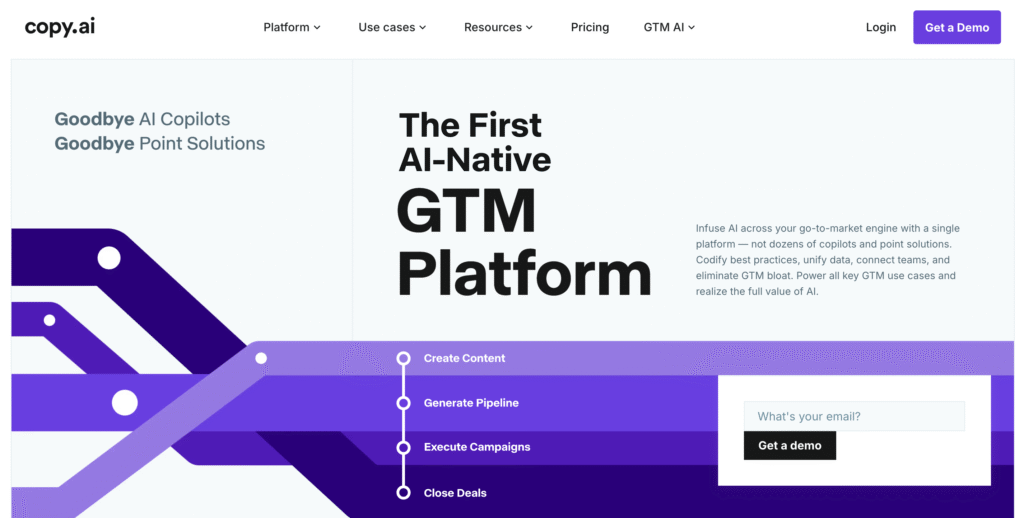
Copy.ai is one of the most practical tools for business owners who want to automate social media content and sales outreach without hiring a full team.
Instead of writing posts, captions, or email sequences from scratch, you can generate them in seconds with Copy.ai’s pre-built workflows.
One of its strongest features is the SalesOS, which automates cold emails, follow-ups, LinkedIn outreach, and lead nurturing.
You can enter your audience type, product, and goal. And Copy.ai will write a full outreach sequence that sounds natural, not robotic.
This makes it incredibly useful for agencies, B2B businesses, consultants, and SaaS founders who rely on outbound messages.
On the social media side, Copy.ai can draft weekly content calendars, create post ideas, write captions, and repurpose long content into short, engaging pieces.
If you struggle with consistency, the tool helps you stay visible across platforms without spending hours brainstorming.
Copy.ai also helps with micro-content like hooks, openings, value posts, carousel text, and even YouTube titles. It removes the “blank page problem” and gives you a steady flow of ready-to-post content.
If you want a tool that boosts your online presence while automating your sales messaging at the same time, Copy.ai is a strong addition to your business toolkit.
8. HubSpot AI – For Sales, CRM & Customer Automation
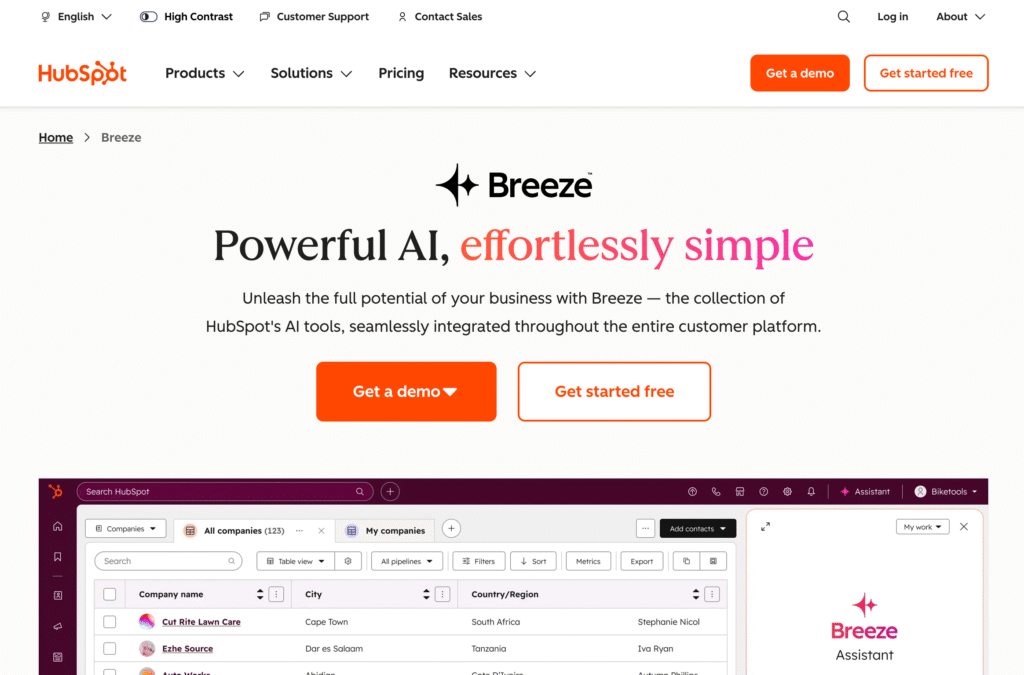
HubSpot AI is a game-changer tool for business owners who want their sales, marketing, and customer management to run smoothly without constant manual effort.
If you’re tired of tracking leads in spreadsheets or following up one by one, HubSpot AI takes over those repetitive tasks and keeps your entire pipeline organized.
Its AI features help you score leads automatically, identify high-intent prospects, and recommend you the next best action.
Whether that’s sending an email, booking a call, or nurturing the lead further, instead of guessing who’s most likely to convert, HubSpot AI prioritizes it for you.
For marketing, it can amazingly generate email campaigns, write blog drafts, suggest subject lines, and personalize messages based on customer behavior.
This means better engagement with far less work.
You also get smart workflows that send follow-ups, reminders, and targeted messages.
On the customer service side, HubSpot AI analyzes conversations, drafts responses, and even helps you build AI-powered chatbots that can solve common issues instantly.
If you want one platform that handles your CRM, automates your sales pipeline, and keeps your marketing consistent, HubSpot AI is one of the strongest all-in-one solutions for growing businesses.
It saves hours every week and gives you a crystal-clear view of your customers from first touch to final sale.
9. Pabbly Connect – Affordable Automation Tool
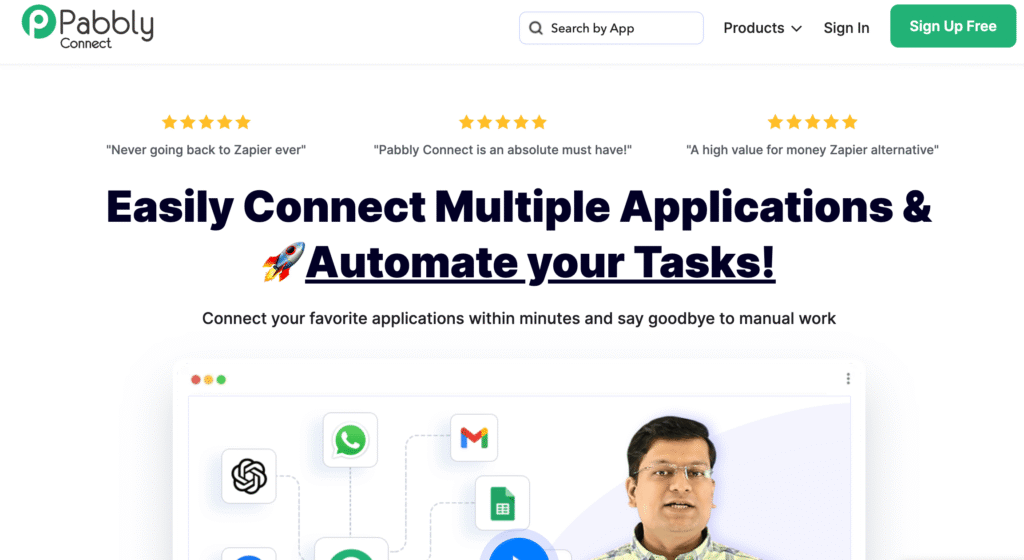
Pabbly Connect is one of the best options for business owners who want automation without paying high monthly fees.
It works just like Zapier. You can connect your favorite apps and automate repetitive tasks, but at a fraction of the cost, which makes it especially attractive for small businesses, freelancers, and growing startups.
With Pabbly Connect, you can link tools like Gmail, WhatsApp, Stripe, Shopify, Google Sheets, Mailchimp, and hundreds of others.
Once connected, it can move data automatically, send alerts, create tasks, trigger emails, update spreadsheets, or run workflows in the background without any manual input.
One major advantage is its unlimited tasks feature, which gives you far more freedom compared to other automation tools that charge per task.
This means you can run large workflows, like order confirmations, lead tracking, appointment reminders, or CRM updates, all without worrying about hitting limits.
The interface is simple, clean, and easy to understand, even if you’ve never used automation tools before. You can build multi-step automations in minutes and start saving hours every week.
If you want a budget-friendly automation platform that can handle serious workflow tasks, Pabbly Connect is one of the most cost-effective tools you can add to your business stack.
10. Descript AI – For Video Editing, Podcasts & Reels
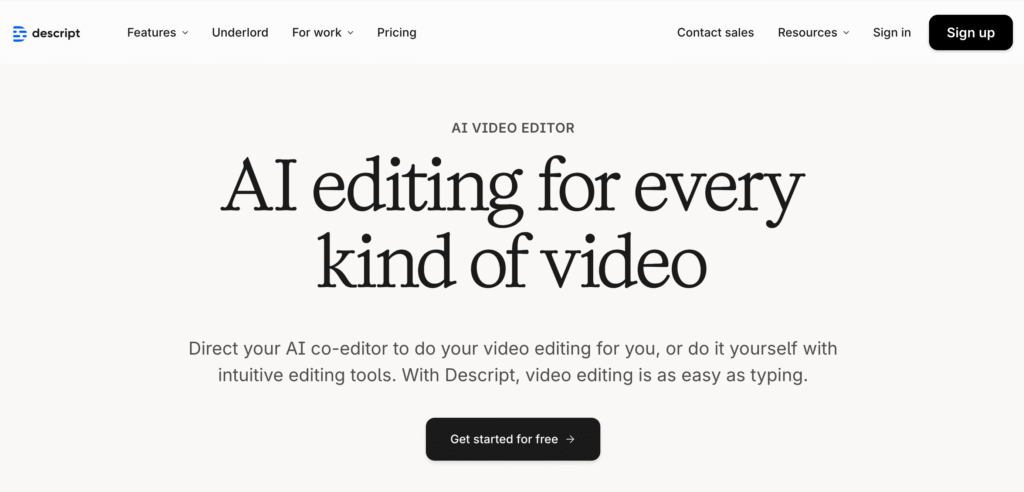
Descript AI is the perfect tool for business owners who want to create professional videos, podcasts, and short-form content without the need of advanced editing skills.
What makes Descript different is its text-based editing. You can edit a video the same way you edit a Google Doc. Delete a sentence in text form, and it disappears from the video instantly.
This makes it incredibly easy to clean up mistakes, remove filler words, tighten pacing, and polish your content without spending hours learning complicated software.
If you record tutorials, talking-head videos, webinars, or social media content, Descript cuts your editing time in half.
Its AI tools go even further: automatic captions, voice cloning, background noise removal, scene detection, and studio-quality audio enhancement. You can also generate short clips from long videos, perfect for reels or TikToks.
For podcasters, Descript handles recording, multitrack editing, transcriptions, and publishing in one place.
If you collaborate with a team, everyone can edit together just like a shared document.
Whether you run a content-heavy business or simply want high-quality videos with minimal effort, Descript AI makes video and audio production faster, easier, and far more efficient.
11. Fireflies.ai – For Meeting Automation
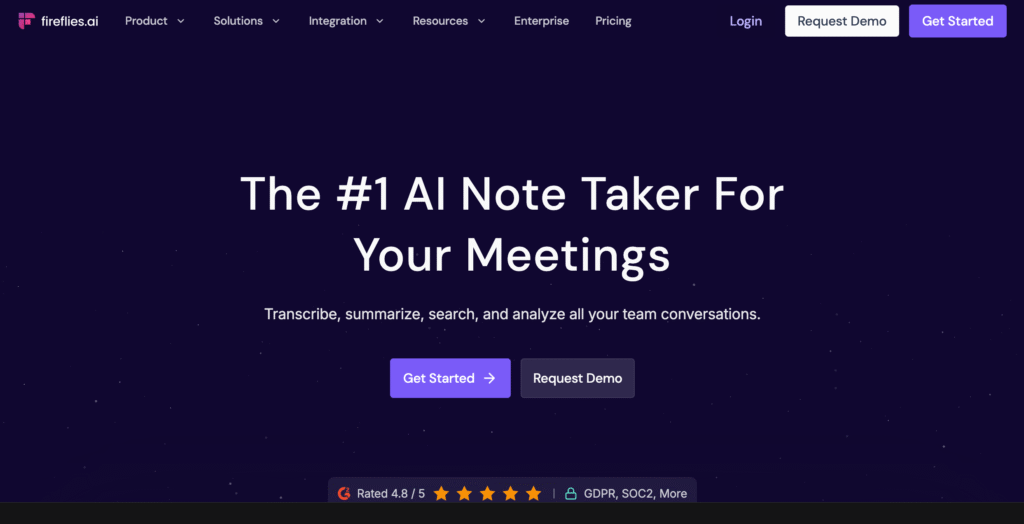
Fireflies.ai is a must-have if your business runs on meetings, client calls, or team discussions.
You can use it as an alternative to taking notes manually or trying to remember every detail. Fireflies.ai automatically records, transcribes, and organizes your meetings, so you never lose important information again.
Once connected to Zoom, Google Meet, Microsoft Teams, or any major platform, Fireflies joins your calls as a smart assistant.
It captures everything: from conversations, questions, decisions, deadlines, to action items. After the call, you get a clean transcript that you can search through like a document.
Its AI can summarize long discussions, highlight key topics, and extract tasks so you don’t have to replay the entire meeting.
If you manage a team or deal with clients regularly, this saves hours of admin work every week.
You can also integrate Fireflies with your CRM, project management tools, or Slack so tasks and notes automatically flow into your workflow. This makes follow-ups faster, clearer, and more consistent.
If your business relies on meetings for coordination, selling, or planning, Fireflies.ai helps you document everything, stay organized, and execute faster. All without any manual note-taking.
12. Otter.ai – For Real-Time Transcriptions
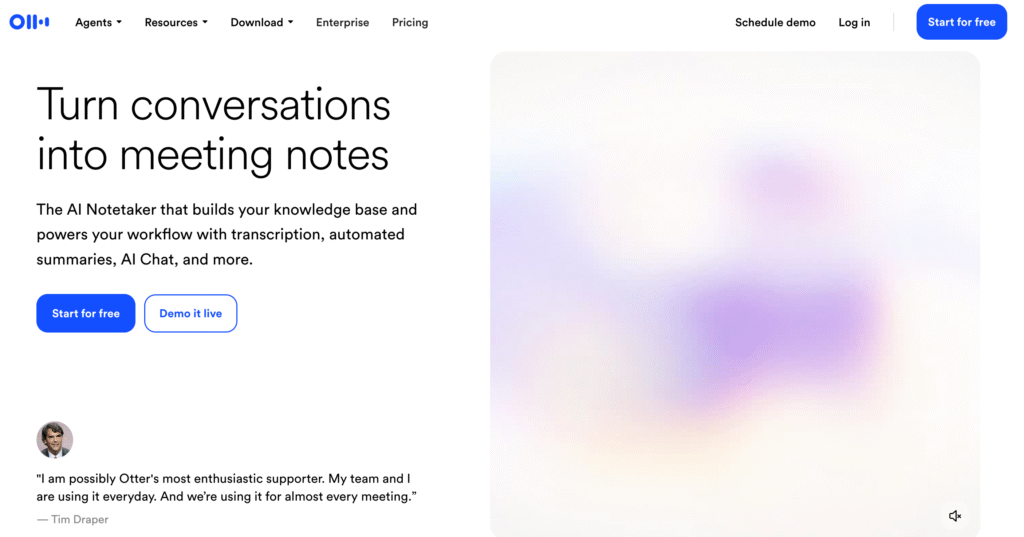
Another gem, Otter.ai is an excellent tool for business owners who need accurate, real-time transcriptions during meetings, webinars, interviews, or training sessions. Instead of typing notes while trying to listen, Otter captures everything live.
When someone speaks, Otter instantly converts their words into text, highlights key points, and identifies speakers automatically.
This is especially useful for coaches, consultants, educators, and anyone who hosts or attends frequent virtual meetings.
After the session, Otter creates a clean, searchable transcript you can review, edit, or share.
This AI tool can also generate summaries, extract action items, and create highlight reels so you can quickly revisit the most important moments without replaying the entire recording.
Otter integrates with Zoom, Google Meet, and Microsoft Teams, and it can even sync transcripts to your workspace or cloud storage. If you work with clients or teams across multiple calls, Otter helps keep everything organized and easy to reference.
For anyone who values speed, clarity, and detailed documentation, Otter.ai is one of the most efficient transcription tools you can add to your workflow.
13. Tidio AI – For 24/7 Customer Support Chatbots
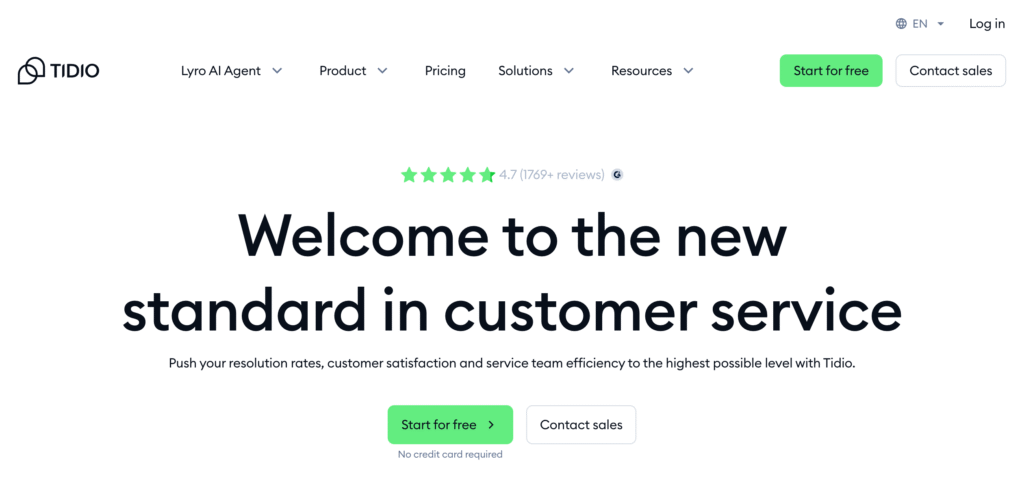
Tidio AI is one of the easiest ways to give your customers fast, round-the-clock support without hiring a full support team.
If you run an online business, chances are your customers message you at all hours, asking about delivery, pricing, returns, product details, or troubleshooting.
Tidio’s AI chatbot handles all of that instantly.
Its AI assistant, Lyro, can answer common questions, guide customers through problems, and even help them complete a purchase.
What makes it especially useful is that the bot learns from your existing FAQs, chat history, and website content, so it doesn’t rely on generic answers. It actually responds based on how you run your business.
Tidio also routes complex issues to a human when needed, so your customers never feel stuck talking to a bot. You get a unified inbox for live chat, emails, and social messages, making it easy to manage everything in one place.
For e-commerce stores, Tidio AI can recover abandoned carts, recommend products, and send personalized offers automatically.
If you want to reduce support workload, speed up responses, and give a better customer experience without being glued to your phone, Tidio AI is one of the most practical tools you can add to your business.
14. Hootsuite AI – For Social Media Automation
Hootsuite AI is built for business owners who want to stay active on social media without spending hours planning, writing, and scheduling posts.
Hootsuite gives you one dashboard where you can manage everything, whether it’s Instagram, Facebook, LinkedIn, X, or TikTok.
The AI assistant helps you create ready-to-post content by generating captions, rewriting ideas, suggesting hashtags, and analyzing what’s likely to perform well for your audience.
It can even repurpose your long videos or blog posts into short social media updates that save you from creating everything from scratch.
One of its strongest features is the best time to publish an analysis. Hootsuite AI studies your audience’s activity and tells you exactly when to post for maximum reach and engagement.
This alone can improve your visibility without boosting or running ads.
Hootsuite also helps with scheduling weeks of content, pulling analytics, generating performance reports, and flagging comments that need attention. It’s perfect if you want consistency but don’t have the time for daily posting.
If your business depends on social media presence, or you just want to show up regularly without burning out, Hootsuite AI makes the entire process smoother, faster, and more strategic.
15. QuickBooks AI – For Accounting & Finance Automation
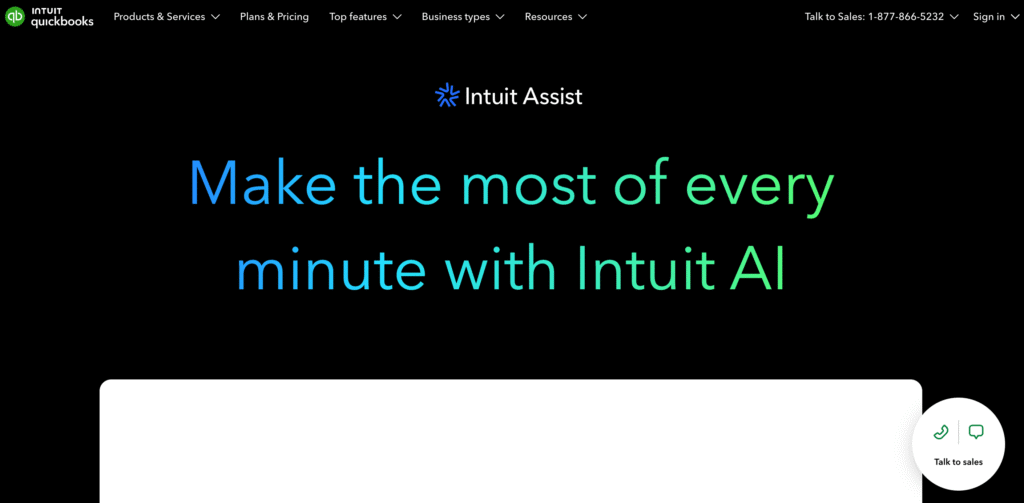
Last but not least, QuickBooks AI is a must-have for business owners who want to simplify their accounting without hiring a full finance team.
From tracking expenses to managing invoices, payroll, and cash flow, QuickBooks uses AI to automate repetitive financial tasks so you can focus on growing your business.
Its AI features categorize transactions automatically, flag unusual expenses, and even predict cash flow trends based on your historical data.
This makes budgeting, forecasting, and planning far easier and more accurate.
You can also automate invoice creation and reminders, ensuring clients pay on time without you chasing them down.
For payroll, QuickBooks AI calculates salaries, deductions, and taxes automatically, saving hours of manual work each month.
The platform integrates seamlessly with banks, payment gateways, and other business apps, keeping all your financial data centralized and up to date.
Reports are generated instantly, giving you real-time insights into profit, loss, and overall business health.
If managing finances feels overwhelming or takes too much time, QuickBooks AI is one of the most reliable tools to automate accounting, reduce errors, and keep your business financially organized.
Conclusion
Running a business in 2026 doesn’t mean working harder; it means working smarter. With the right AI tools, you can automate repetitive tasks, streamline workflows, and focus on growing your business instead of getting bogged down in day-to-day operations.
From creating content with ChatGPT or Surfer AI, managing projects with ClickUp AI or Notion AI, to automating sales, customer support, and finances with HubSpot AI, Tidio AI, or QuickBooks AI, there’s an AI tool for nearly every part of your business.
The key is to start small. Pick 2 or 3 tools that solve your biggest pain points and expand as you see results.
These tools aren’t just about saving time; they help you stay consistent, professional, and efficient, giving you a real advantage over competitors still doing everything manually.
So take the leap. Try a few tools from this list, see how much easier they make your workflow, and let AI handle the busy work while you focus on growing your business.
Your next step is to identify the areas where you spend the most time, pick the right AI tools, and watch your productivity – and profits – soar.
Read also,